For entrepreneurs and organizations
By industry
For collaboration
Odaberite sučelje
Odaberite sučelje koje odgovara uslugama koje koristite.
Salons, wellness and fitness
A fiscal cash register for salons, wellness, and fitness.
Take payment for a service, membership, or product, apply fiscalization, and print the invoice on a POS terminal or Android device.
Salons, wellness and fitness
A fiscal cash register for salons, wellness, and fitness.
Take payment for a service, membership, or product, apply fiscalization, and print the invoice on a POS terminal or Android device.
Salons, wellness and fitness
A fiscal cash register for salons, wellness, and fitness.
Issue invoices, track KPR and PO-SD records, receive e-invoices, and—if needed—integrate your POS, webshop, and payment processing.
Service, payment, and invoice in three steps.
Select the service, membership, or product.
Take payment by cash, card, or another method.
Issue and print the fiscalized invoice.
Service, payment, and invoice in three steps.
Select the service, membership, or product.
Take payment by cash, card, or another method.
Issue and print the fiscalized invoice.
Service, payment, and invoice in three steps.
Select the service, membership, or product.
Take payment by cash, card, or another method.
Issue and print the fiscalized invoice.
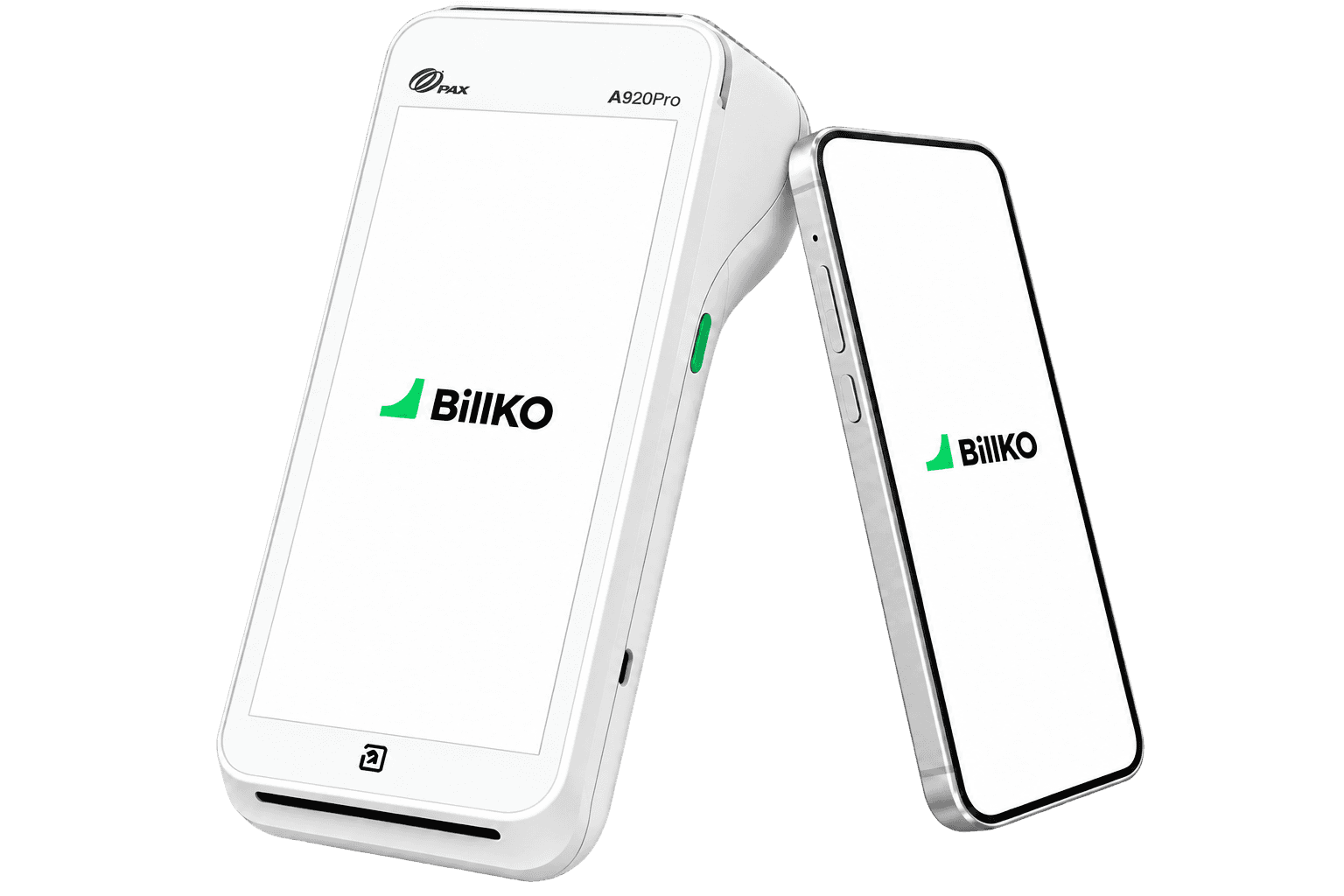
BillKO on a POS terminal or Android device.
BillKO on a POS terminal or Android device.
BillKO on a POS terminal or Android device.
Choose the device that suits your space and way of working. The Android app can be used with an external printer.
Choose the device that suits your space and way of working. The Android app can be used with an external printer.
Choose the device that suits your space and way of working. The Android app can be used with an external printer.
Services, customers, and payment methods at hand.
Services, customers, and payment methods at hand.
Services, customers, and payment methods at hand.
Save services, prices, and customers for faster repeat sales, and track cash, cards, and other payment methods alongside issued invoices.
Save services, prices, and customers for faster repeat sales, and track cash, cards, and other payment methods alongside issued invoices.
Save services, prices, and customers for faster repeat sales, and track cash, cards, and other payment methods alongside issued invoices.
Track sales, payments, and periods.
Track sales, payments, and periods.
Track sales, payments, and periods.
Compare issued invoices and payment methods by day, month, or another period, and give the accountant access to the information they need.
Compare issued invoices and payment methods by day, month, or another period, and give the accountant access to the information they need.
Compare issued invoices and payment methods by day, month, or another period, and give the accountant access to the information they need.
Search...


Search...
How salons and studios use BillKO.
How salons and studios use BillKO.
How salons and studios use BillKO.
See how on the same device you register the service, charge, fiscalize and print the invoice immediately after the sale.
See how on the same device you register the service, charge, fiscalize and print the invoice immediately after the sale.
See how on the same device you register the service, charge, fiscalize and print the invoice immediately after the sale.
Frequently asked questions.
Yes, on supported POS terminals. The BillKO app runs alongside the payment app on the same device: after a successful card payment, it issues, fiscalizes and prints the invoice.
Yes. You can use the BillKO Android app on a supported phone or tablet and connect an external printer for paper invoices.
On a supported POS terminal, the invoice is printed on the device according to the selected setup. If you use the BillKO Android app, you send the invoice to an external printer.
You can record cash, cards, bank transfers and other available payment methods in BillKO. You arrange card acceptance with a payment service provider, while the connection between payments and invoices depends on the chosen partner and device setup.
Yes. In BillKO, you can create a quote with customer details, services or products, and prices. You can then turn the quote into an invoice without entering the same data again.
Depending on their assigned access rights, your accountant can see invoices, incoming and outgoing eInvoices, fiscalization and payment statuses, reports and available exports. This lets them work with data you have already recorded in BillKO.
Frequently asked questions.
Yes, on supported POS terminals. The BillKO app runs alongside the payment app on the same device: after a successful card payment, it issues, fiscalizes and prints the invoice.
Yes. You can use the BillKO Android app on a supported phone or tablet and connect an external printer for paper invoices.
On a supported POS terminal, the invoice is printed on the device according to the selected setup. If you use the BillKO Android app, you send the invoice to an external printer.
You can record cash, cards, bank transfers and other available payment methods in BillKO. You arrange card acceptance with a payment service provider, while the connection between payments and invoices depends on the chosen partner and device setup.
Yes. In BillKO, you can create a quote with customer details, services or products, and prices. You can then turn the quote into an invoice without entering the same data again.
Depending on their assigned access rights, your accountant can see invoices, incoming and outgoing eInvoices, fiscalization and payment statuses, reports and available exports. This lets them work with data you have already recorded in BillKO.
Frequently asked questions.
Yes, on supported POS terminals. The BillKO app runs alongside the payment app on the same device: after a successful card payment, it issues, fiscalizes and prints the invoice.
Yes. You can use the BillKO Android app on a supported phone or tablet and connect an external printer for paper invoices.
On a supported POS terminal, the invoice is printed on the device according to the selected setup. If you use the BillKO Android app, you send the invoice to an external printer.
You can record cash, cards, bank transfers and other available payment methods in BillKO. You arrange card acceptance with a payment service provider, while the connection between payments and invoices depends on the chosen partner and device setup.
Yes. In BillKO, you can create a quote with customer details, services or products, and prices. You can then turn the quote into an invoice without entering the same data again.
Depending on their assigned access rights, your accountant can see invoices, incoming and outgoing eInvoices, fiscalization and payment statuses, reports and available exports. This lets them work with data you have already recorded in BillKO.
View the fiscal cash register on your device.
Tell us which POS terminal or Android device you use and how you process payments for services.
View the fiscal cash register on your device.
Tell us which POS terminal or Android device you use and how you process payments for services.
View the fiscal cash register on your device.
Tell us which POS terminal or Android device you use and how you process payments for services.